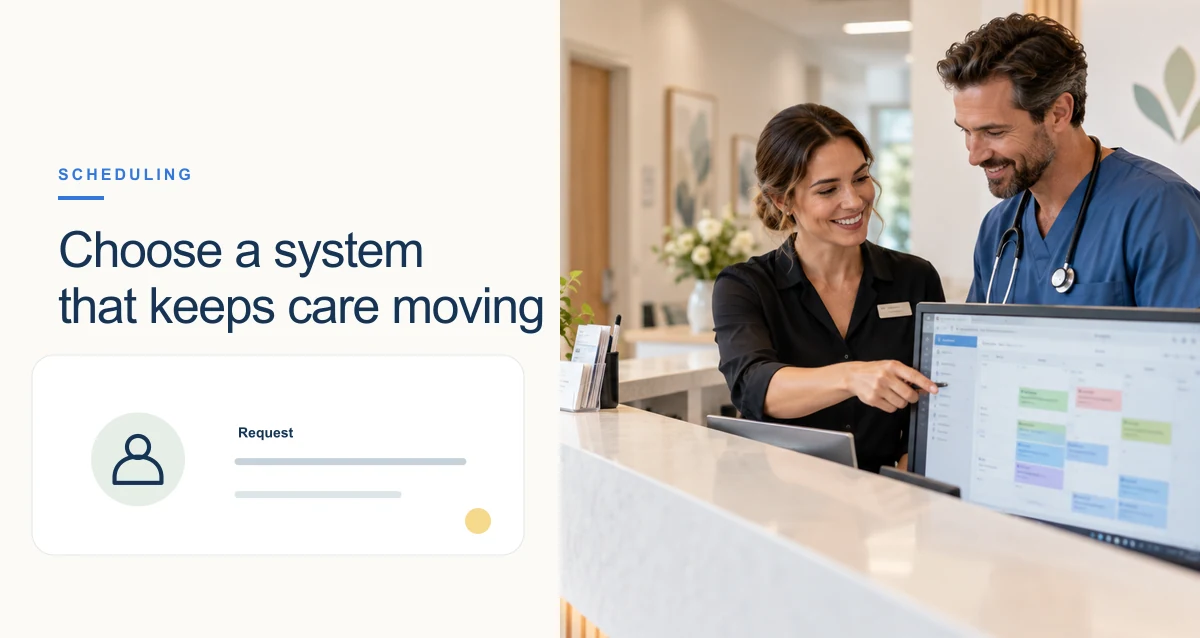
Patient scheduling is accessible when people can find an appropriate appointment, understand the options, request needed accommodations, and change or confirm a booking through a channel they can use. An online calendar may make scheduling easier for some patients, but a digital-only process can create a new barrier for people who need assistance, use assistive technology, have limited connectivity, or prefer to speak with staff.
The goal is not to force every patient into one tool. It is to make the scheduling path clear, usable, and responsive across digital, phone, and in-person options—and to make sure the appointment type and preparation match the patient’s needs and the clinic’s services.
What can make patient scheduling hard to access?
- Limited phone hours, long hold times, or a phone tree that does not offer a clear route to a person.
- Online forms that are difficult to use with a keyboard or screen reader, have unclear field labels, or show errors without explaining how to fix them.
- Only one language or communication format, or no way to request an interpreter or accommodation.
- Appointment types described in unfamiliar terms, with no clear way to ask which option is appropriate.
- Scheduling rules that do not account for transport, mobility, sensory, caregiving, or communication needs.
- Unclear confirmations, preparation instructions, cancellation options, or steps for changing an appointment.
These barriers can overlap. A patient may be able to open an online form but still be unable to complete it, understand the available visit types, or communicate a need for an accommodation.
Strategies for a more accessible scheduling system
1. Offer more than one way to schedule
Provide a clear online route when available, while retaining a phone or in-person option for people who cannot or do not want to use it. Make each alternative easy to find from the same scheduling information. If a call-back option is available, explain what to expect and how to request urgent help through the clinic’s established process.
2. Make online booking usable with assistive technology
Use descriptive labels for each field, clear instructions for required information, visible keyboard focus, and error messages that identify the issue in text and explain how to correct it. Allow users to review their selections before confirming and provide a clear success message afterward. Test the actual booking flow using keyboard-only navigation and commonly used screen readers, not only a visual inspection.
The W3C Web Accessibility Initiative explains that form labels and instructions help users understand what information is required, and that detected input errors should be identified and described in text. These are useful design checks; meeting a short checklist is not, by itself, a legal compliance determination.
3. Use plain language and explain appointment choices
Describe visit types in familiar terms and state what each is for, how long it usually takes if known, and what the patient should do if they are unsure. Avoid presenting a long list of specialties or abbreviations without context. Confirmation messages should state the date, time, location or connection details, and any relevant preparation steps.
4. Ask how the patient prefers to communicate
Offer appropriate ways to receive confirmations and reminders, such as text, email, phone, or portal message, consistent with clinic policy and the patient’s communication preferences. Keep messages concise, protect sensitive information, and explain how to confirm, cancel, or request a change. A reminder is more useful when it includes a simple next step.
5. Make accommodation requests part of the scheduling workflow
Give patients a straightforward way to tell the clinic what would help them attend and communicate—for example, an interpreter, accessible room, mobility assistance, extra time, or an alternative format. Ask only for information needed to arrange the visit, route the request to someone responsible, and confirm arrangements when appropriate. Do not make patients repeatedly disclose the same need if the information can be handled respectfully and securely under clinic policy.
6. Plan for language access
Scheduling is often the first interaction with a practice, so language access should not begin only when the patient reaches the clinician. Provide clear information about how to request language assistance and consider the scheduling, reminder, intake, and follow-up steps where language may matter. Use qualified language support in accordance with applicable requirements and organizational policy rather than relying on ad hoc translation for complex healthcare communication.
7. Make changes and cancellations straightforward
Patients’ circumstances change. Explain how to cancel, reschedule, or ask for a different appointment time, and avoid dead ends such as a confirmation message that cannot be answered or a portal task with no support route. When a slot becomes available, use a transparent process to contact people who have asked to be notified, following clinic policy and their communication preferences.
8. Match the appointment to the patient’s need and clinic capacity
Use scheduling questions that help route a request to the right service without asking staff or patients to make a diagnosis. Define which requests can be booked directly, which need clinical review, and what to do when the schedule has no suitable appointment. Escalation instructions should be clear, maintained, and consistent with the clinic’s established triage process.
A quick accessibility review for your scheduling journey
- Ask a diverse group of patients and staff to complete the booking process using different devices and communication methods.
- Try the online path with keyboard navigation and a screen reader; check labels, focus order, instructions, errors, and confirmation.
- Call the scheduling line during and outside the busiest periods; note whether callers can reach a person or receive a clear next step.
- Check whether patients can request language assistance, disability-related accommodations, and a preferred communication channel.
- Follow a booking through confirmation, preparation, cancellation or rescheduling, and arrival to find handoff gaps.
- Record barriers and assign an owner to resolve them; repeat the test after changes.