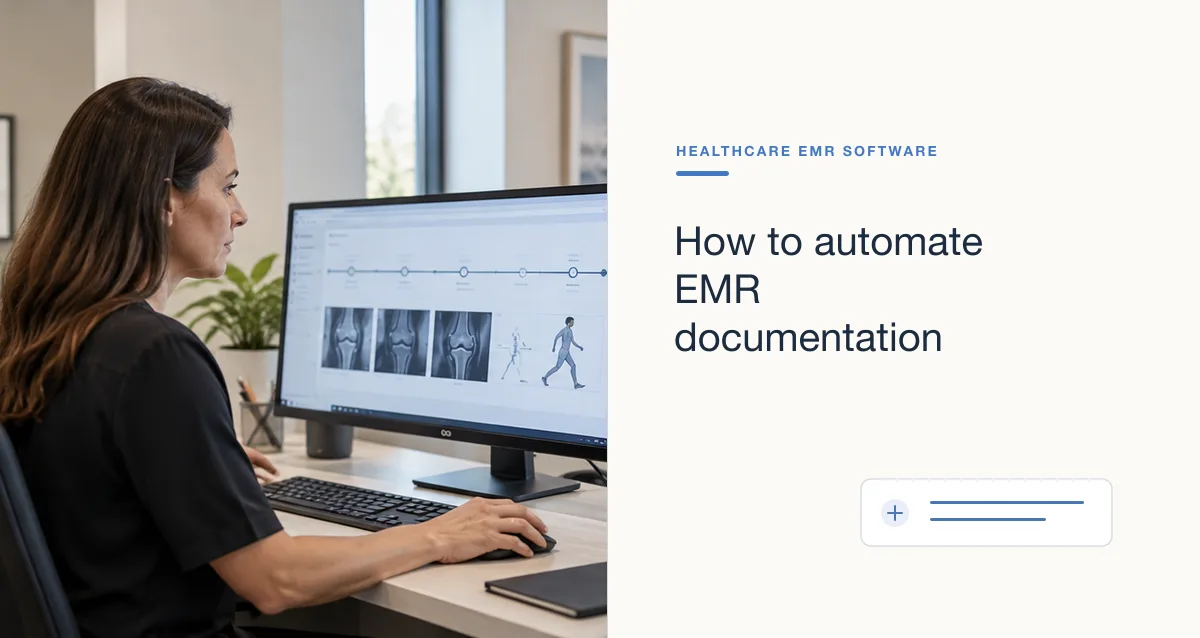

An electronic medical record (EMR) changes how a practice creates, stores, retrieves, and uses encounter information. Clinicians may document in structured fields, review prior notes and results on screen, and connect documentation to orders or follow-up tasks. These capabilities can support care, but the software does not guarantee better documentation or patient outcomes. The effect depends on the quality of the record, the fit of the workflow, and how the team uses and maintains the system.
This article focuses on the connection between EMR use, clinical notes, and the patient-care workflow. For broader effects of digitization, see how electronic records have changed healthcare; for general documentation principles, see clinical documentation that supports care.
How an EMR changes documentation
Structured fields and templates
Forms can organize selected information and make it easier to locate or report. Templates can also create unnecessary prompts, duplicate data, or notes that look complete despite containing irrelevant defaults. Configure them for the service and visit type, and leave room for meaningful narrative when context does not fit a checkbox.
Searchable history and information carried forward
Clinicians may be able to review prior diagnoses, medications, allergies, results, and notes without searching a paper folder. But older information may be inaccurate or out of date. Make the source and timing clear, and confirm high-impact information rather than treating imported data as current by default.
Connected orders, results, and follow-up
Documentation may be linked to orders, test results, referrals, and patient messages. This can make status more visible, but entering an order is not the same as confirming that a result was reviewed or a patient was contacted. Assign ownership for each follow-up step and use a reliable escalation path for overdue tasks.
Patient access to records
Patient portals may provide access to selected records or after-visit information. Clear, patient-centered notes can help people understand the plan and identify possible errors. Use understandable language where appropriate and explain how patients can ask questions or request corrections.
Potential effects on patient care
When information is accurate, available, and presented in a usable way, an EMR may support continuity and coordination by helping authorized team members review relevant history and document current decisions. A connected workflow can also make some handoffs and follow-up steps easier to track.
However, an EMR can introduce or amplify problems: copy-forward errors, duplicate records, alert fatigue, poor screen layout, missing outside information, or workarounds caused by a mismatch between software and clinical practice. These are sociotechnical issues involving people, configuration, communication, and policy—not just software defects.
Practical ways to keep notes useful
- Document the current encounter. Make the patient’s concern, relevant findings, assessment, and plan clear without copying unrelated material.
- Review carried-forward content. Verify medications, allergies, diagnoses, and other information that could affect decisions; correct outdated data through the approved process.
- Use templates intentionally. Keep prompts relevant, prevent defaults from implying an assessment that did not occur, and avoid repeated sections.
- Protect authorship and integrity. Use individual accounts, attribute entries correctly, and make corrections through the system’s audit-preserving workflow rather than silently overwriting the record.
- Write for the next reader. State what needs follow-up, who owns it, and the timeframe when known. Avoid unexplained abbreviations and ambiguous instructions.
- Close communication loops. Track whether results, referrals, and patient instructions reached the appropriate person and were acted on.
- Invite patient clarification. When appropriate, help patients review the plan and report inaccuracies or missing concerns.