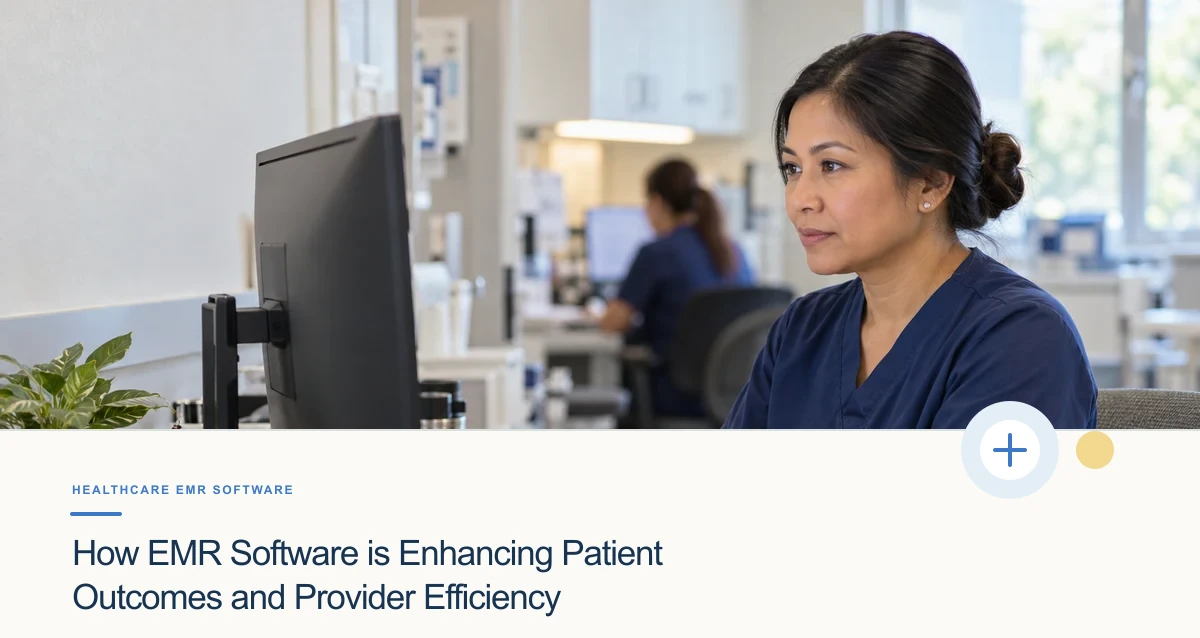
Electronic medical record (EMR) software can support clinical work by organizing documentation, making relevant information easier to retrieve, and helping teams manage parts of a visit workflow. Those capabilities do not automatically improve patient outcomes or make clinicians more efficient. The effect depends on usability, configuration, data quality, training, integration, and whether the technology supports—not interrupts—the care process.
Where an EMR may support care
- More structured documentation: Templates can help a team capture information consistently, provided they fit the specialty and do not encourage irrelevant or copied-forward text.
- Information available at the point of care: A consolidated chart may help authorized users review relevant history, medications, allergies, and prior documentation. Records can still be incomplete or outdated, so verification matters.
- Workflow prompts: Reminders or decision-support tools may make a needed task more visible. They require appropriate configuration and review; an alert is not a substitute for clinical judgment.
- Coordination and follow-up: Clear ownership for orders, referrals, and next steps can reduce ambiguity between visits.
Efficiency is a workflow question
To find out whether an EMR helps a particular team, measure the work before and after a change. Consider time spent documenting, duplicate entry, correction rates, after-hours work, task completion, and staff feedback. Compare similar workflows and account for changes in volume or staffing. A faster click path is not necessarily a better process if it produces less complete notes or shifts work to another role.
Specialty needs differ. Pain-management documentation may involve longitudinal assessment and treatment plans; orthopedic workflows may include imaging, procedure details, and follow-up. These examples should guide evaluation, not imply that one template or software configuration fits every clinician or patient.