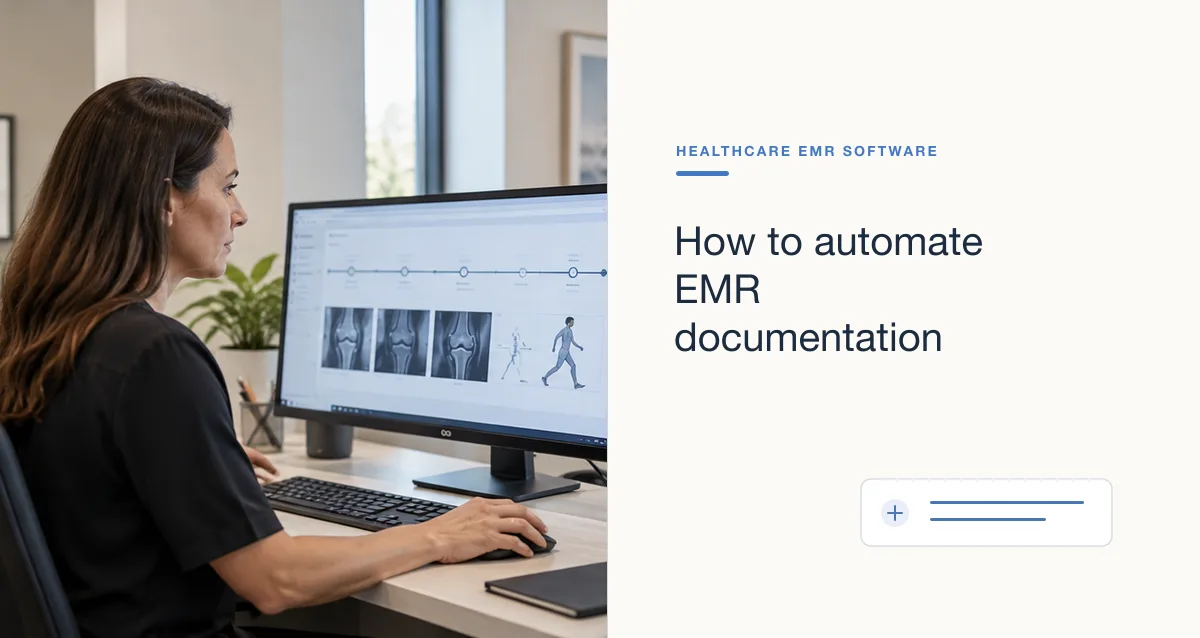
EMR data entry is the recording and maintenance of patient and encounter information in an electronic medical record. Accurate, timely entries help the care team find the right information and understand who recorded it, when, and in what context. The work is more than typing: it includes choosing the right patient and field, checking the source, and correcting mistakes transparently.
Why does accurate EMR data entry matter?
Clinical and administrative decisions depend on information that is complete enough for its intended use and attributed to a reliable source. Missing, outdated, duplicated, or misfiled data can confuse later users, create rework, or affect a handoff. An electronic record does not make an entry accurate simply because it is digital.
Data quality is a shared workflow responsibility. The person entering information should follow the organization’s process, while the system and the team should make it practical to verify, correct, and maintain the record.
What information is commonly entered into an EMR?
The exact fields vary by setting, specialty, purpose, and applicable policy. Common information includes:
- Patient identity and contact details, verified using the organization’s approved identifiers.
- Encounter date, visit type, and relevant care-team information.
- Patient-reported history and concerns, clearly distinguished from observations or clinician assessment.
- Medications, allergies, problems, diagnoses, orders, and results as appropriate to the user’s role.
- Clinical notes, plans, follow-up instructions, and administrative items needed for the workflow.
Only collect and record information needed for the task and permitted by the organization’s policies. Avoid treating a generic list as a universal documentation requirement.
What are good practices for EMR data entry?
- Confirm the patient and encounter first. Use the approved identifiers and check the active chart before entering or signing information. Stop and escalate a mismatch rather than trying to reconcile it from memory.
- Use the correct field and record type. Enter information where later users expect to find it. Follow specialty and organization guidance for structured fields, narrative notes, and administrative data.
- Attribute information clearly. Distinguish what the patient reported, what a clinician observed, and what came from an outside record. Include relevant dates and sources.
- Write clearly and avoid unsupported shorthand. Use approved terminology, explain ambiguous abbreviations, and document enough context for another authorized team member to understand the entry.
- Review before signing or saving. Check patient, date, field, units, and completeness. Pay particular attention to copied-forward text, auto-populated fields, and information that may have changed.
- Correct errors through the approved process. Do not silently overwrite a signed entry if policy requires an amendment or addendum. Preserve attribution and audit history, and escalate wrong-patient or safety-critical errors promptly.
- Protect privacy while working. Use individual access credentials, follow role-based access rules, and avoid leaving a record open where unauthorized people may see it.