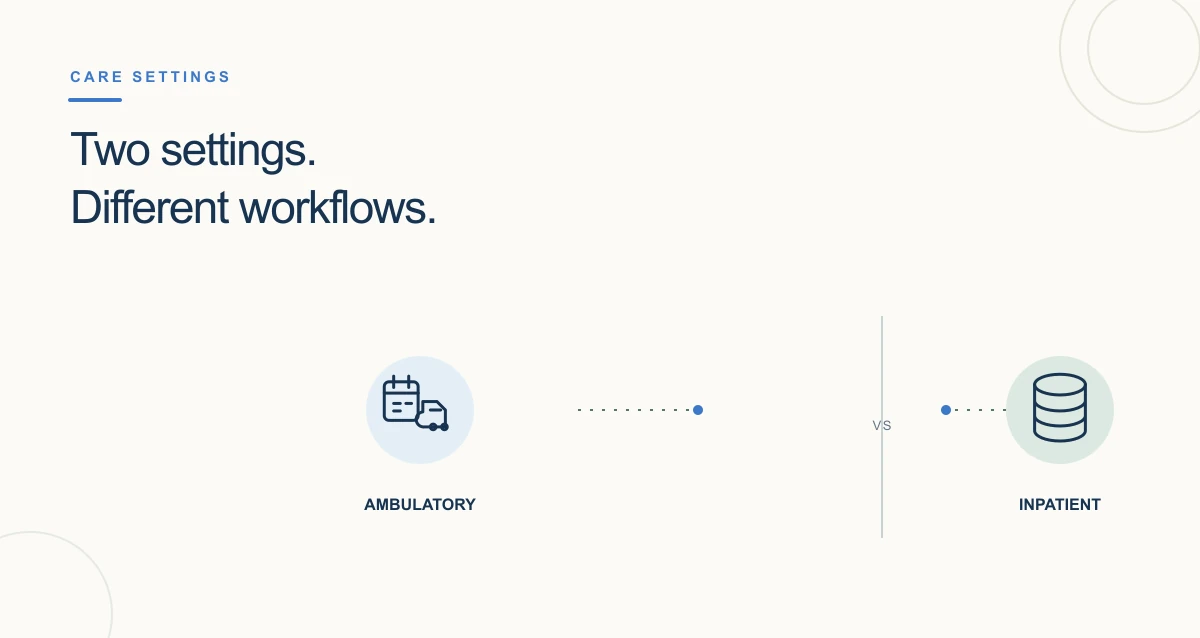
An ambulatory EHR is generally configured around care delivered in outpatient settings such as physician offices and clinics. An inpatient EHR supports the documentation and coordination needs of a hospital stay. These are useful descriptions of common workflows—not two rigid, universally standardized product categories. Many health systems use an enterprise EHR across outpatient and inpatient departments, with different tools and configurations for each setting.
The right comparison is therefore not simply “clinic software versus hospital software.” Start with where care is delivered, the work each team must complete, how information moves between settings, and which capabilities the organization can verify in a specific product.
What is an ambulatory EHR?
An ambulatory EHR is an electronic record configured for outpatient care. Depending on the organization and product, the workflow may include patient registration, appointment coordination, encounter documentation, medication and order management, results follow-up, referrals, and billing-related documentation. Not every system includes every function, and availability can depend on product configuration, connected services, and the organization’s workflow.
“Ambulatory” describes the care setting, not a guarantee that a patient is able to walk or that a visit is simple. Outpatient services can include primary and specialty care, diagnostics, and procedures. A hospital may also provide outpatient care, so the building alone does not determine whether a workflow is ambulatory or inpatient.
What is an inpatient EHR?
An inpatient EHR supports care during a hospital admission. Depending on the facility and software, teams may need to coordinate documentation across shifts and departments, orders, medication administration, diagnostic results, consultations, and discharge planning. These workflows involve multiple clinical roles and handoffs. The exact capabilities vary by product and local configuration.
Patient status and software category are not the same thing. A hospital organization can provide both inpatient and outpatient services, and may use a shared EHR platform across them. When billing or coverage depends on inpatient versus outpatient status, the hospital and payer rules—not the software label—determine that status.
Ambulatory EHR vs. inpatient EHR: the practical differences
- Care context: Ambulatory workflows commonly center on scheduled or episodic outpatient encounters and follow-up. Inpatient workflows center on an admission and coordination during a hospital stay.
- Time and handoffs: Outpatient records need to support continuity between visits and across referral or result workflows. Inpatient records must also support frequent handoffs among teams, shifts, and departments.
- Operational needs: A clinic may prioritize appointment flow, rooming, documentation, orders, and follow-up. A hospital may additionally need department-specific inpatient workflows. The actual feature set depends on the product and implementation.
- System design: Some organizations use separate products; others configure one enterprise platform across settings. “Ambulatory” and “inpatient” are not always separate systems.
- Information exchange: Both settings need reliable access to relevant information and safe transitions. Interoperability depends on the systems, standards, interfaces, permissions, and workflows involved; the term “EHR” alone does not guarantee that two systems exchange data successfully.