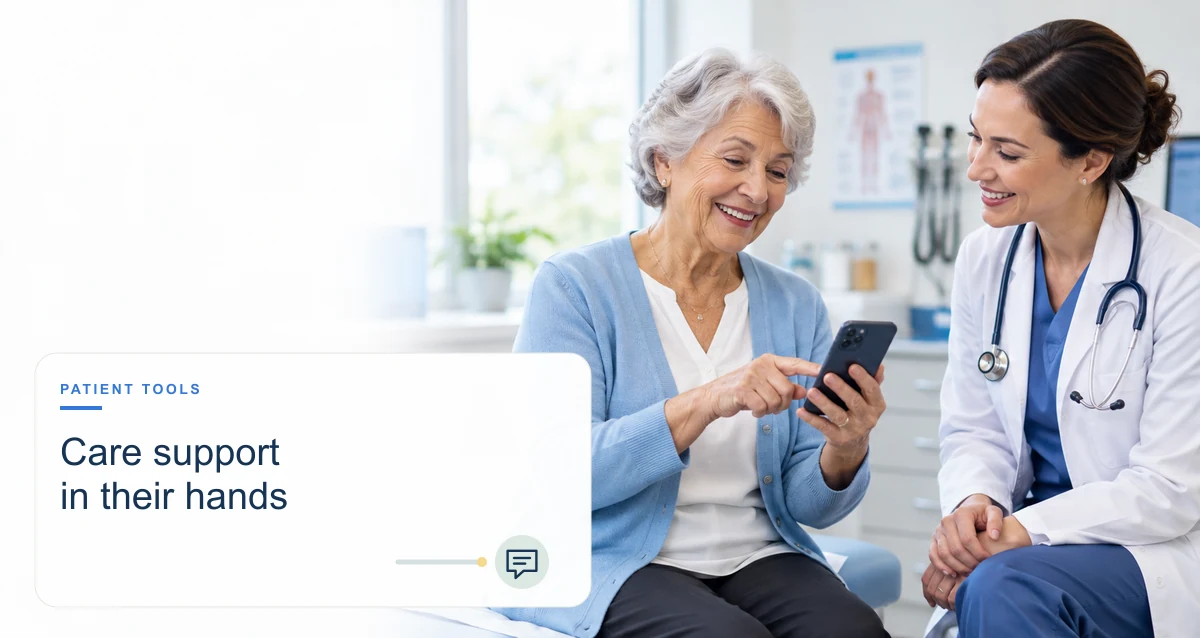
Healthcare apps range from appointment and patient-portal tools to wellness trackers and software used alongside medical devices. Depending on the app and the service behind it, a patient may be able to manage appointments, exchange messages with a care team, view selected health information, or attend a remote visit. The benefits are practical rather than automatic: an app is useful when it fits a person’s needs, works reliably, protects information, and connects to appropriate care.
Potential benefits of healthcare apps
Convenient access to administrative tasks
Some provider apps let patients request or manage appointments, receive reminders, complete forms, or communicate with the office without a phone call. Features vary by organization. An app does not guarantee an earlier appointment, and patients should have another way to reach the practice if digital access is unavailable or urgent help is needed.
Remote visits when appropriate
Telehealth apps can connect patients and clinicians remotely for services that are suitable for virtual care. Whether a remote visit is appropriate depends on the patient’s condition, clinical judgment, technology access, privacy, and local service availability. Some concerns still require an in-person examination, testing, or emergency care.
Access to selected health information
A patient portal or connected app may provide access to some test results, visit summaries, medication lists, or clinical messages. The available information and timing depend on the provider’s system and policies. Patients should ask the care team how to interpret results and what to do if a result or message raises a concern.
Support for self-management
Some apps help users record symptoms, activity, medication routines, or other health goals. A record may help a person prepare for a discussion with a clinician, but consumer tracking is not necessarily medically validated and should not replace professional advice. Users can choose what to track and share.
More ways to communicate
Secure messaging, reminders, or educational resources can provide additional communication options when offered by a health organization. Patients should understand response times and which channel to use for time-sensitive symptoms. A message inbox is not an emergency service.
Important limitations and risks
- Access and usability: A smartphone, data plan, reliable internet, accessible design, language support, and digital skills cannot be assumed. Keep a non-digital way to access essential services.
- Privacy and data practices: Review the app’s privacy notice, permissions, data sharing, retention, and account-security options. Health information entered into a consumer app may not be protected in the same way as information held by a covered healthcare organization; protections depend on the parties and applicable law.
- Accuracy and clinical scope: Wellness information, symptom checkers, and automated recommendations can be incomplete or wrong. FDA oversight is function-specific; not every app is a regulated medical device. Do not use an app to delay urgent care or change treatment without appropriate clinical advice.
- Integration and completeness: Data shown in one app may be partial, delayed, or not connected to the full medical record. Confirm important information with the care team.
- Notifications and burden: Alerts can be useful, but too many can create confusion or fatigue. Users should be able to understand and adjust notification settings where possible.
- Cost and availability: Some features, devices, or services may involve charges, insurance rules, or geographic restrictions. Check before relying on them.
How to choose an app
- Start with a specific need, such as communicating with your clinic or tracking a clinician-recommended measure.
- Ask your healthcare organization which app or portal it supports and what information or services it includes.
- Read the privacy notice and understand what data is collected, where it goes, and whether it is shared for advertising or other purposes.
- Check that the app works with your device, language, accessibility needs, and internet access.
- Look for a clear organization or developer, current maintenance, understandable instructions, and a way to get support.
- If the app provides diagnostic, treatment, or device-control functions, ask a qualified clinician about its intended use and consult FDA information where relevant.
- Keep a backup route for contacting your care team, accessing records, or getting urgent help.