“Types of EMR systems” can refer to two different things: the care setting or specialty a system is designed to support, and how the software is hosted. These categories overlap. A cloud-hosted product, for example, may be designed for an ambulatory clinic or a hospital. Features such as mobile access and voice input are usually capabilities—not separate kinds of medical record by themselves.
First, EMR vs. EHR
An electronic medical record (EMR) is commonly used to describe a digital chart maintained within a provider’s office, clinic, or hospital. An electronic health record (EHR) is intended to support a broader view of care and exchange information among authorized clinicians and organizations. The terms are often used interchangeably in product marketing, so examine a system’s actual scope, connections, and data-access functions rather than relying on its label. ASTP/ONC explains the distinction in its health IT and HIE FAQ.
Types by care setting or specialty
Ambulatory and office-based systems
These systems support care delivered without an inpatient hospital stay, such as physician offices and outpatient clinics. Common workflow needs may include scheduling, rooming, medication and allergy review, orders, referrals, results, and follow-up. Specialty-specific templates and workflows can vary substantially.
Hospital and inpatient systems
Hospital systems may need to coordinate information across departments, shifts, and care transitions, and may connect with pharmacy, laboratory, imaging, and other services. An inpatient environment has different user roles, order workflows, and operational requirements than a small office. A hospital may use multiple integrated systems rather than one product doing everything.
Post-acute and long-term care systems
Skilled nursing and other long-term or post-acute settings may emphasize assessments, care plans, medication administration, transitions, and communication with residents, families, and external clinicians. Information exchange with hospitals and community providers can be important, but the available functions depend on the product and interfaces.
Specialty-focused systems
A product may be configured for a specialty or care model—for example, behavioral health, orthopedics, cardiology, or ambulatory surgery. Assess whether the system supports the actual documentation, scheduling, procedure, consent, imaging, billing, and follow-up workflows the organization needs. A specialty label alone does not prove that a product fits a particular practice.
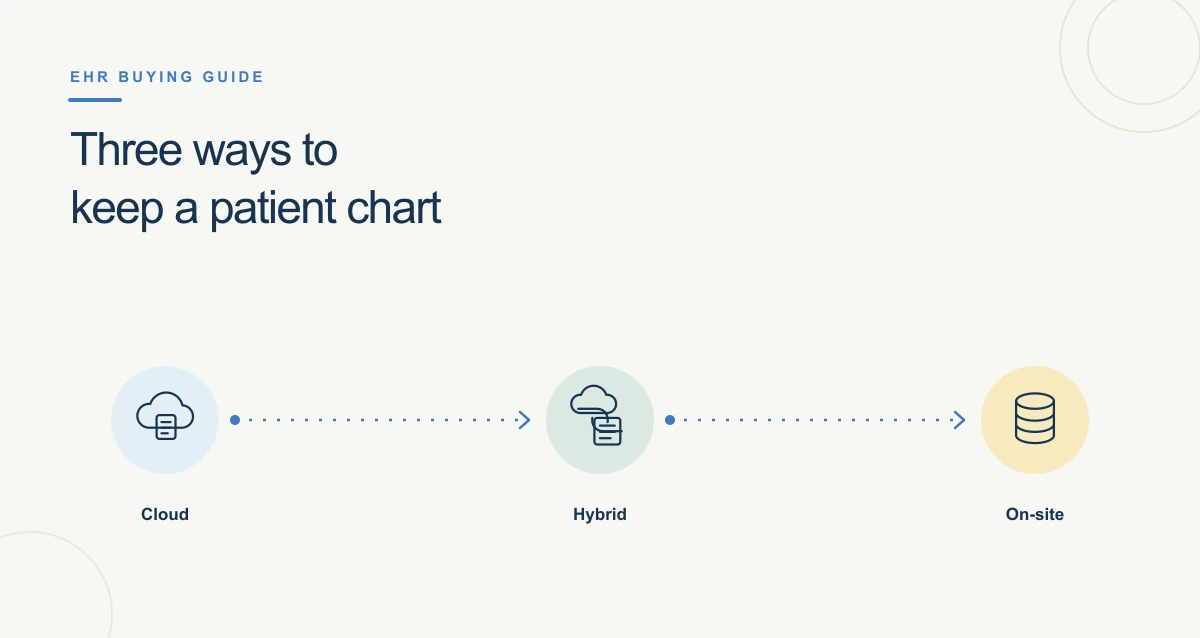
Types by hosting and deployment
Vendor-hosted or cloud-hosted
The vendor or its service provider hosts the application and data, and users access it over a network. This model may reduce the need for an organization to operate its own application servers, but it still requires reliable connectivity, vendor oversight, clear support and recovery arrangements, and review of data access, return, and security responsibilities.
Locally hosted or on-premises
The organization operates some or all of the system infrastructure at its own facility or data center. This can provide more direct control over certain infrastructure decisions, but the organization also needs the staff and processes to maintain, secure, back up, and update it. Exact responsibilities depend on the contract and architecture.
Hybrid arrangements
A hybrid deployment combines hosted and locally operated components—for example, a hosted core application with local devices, interfaces, or services. It can meet particular technical needs, but multiple components make responsibility mapping, troubleshooting, security review, and recovery planning especially important.