There is no single, permanent number of electronic health record (EHR) systems. Vendors, products, versions, and certified health IT modules change over time, and “type” can refer to different things: where the software is hosted, which care setting it supports, how specialized its workflows are, or how its components are packaged.
So instead of looking for one count, compare systems across these dimensions. This makes the question more useful for a clinic choosing an EHR and helps avoid treating unlike categories as if they were competing product types.
First, what is an EHR system?
An EHR is software used to create, manage, and consult electronic health information. Depending on the product and configuration, it may support clinical documentation, orders, medication workflows, results, patient communication, reporting, and information exchange. “EMR” is often used for a practice-level record and “EHR” for a broader longitudinal record, but vendors may use the terms differently. Evaluate actual features and exchange capabilities rather than relying on the label.
Common ways to categorize EHR systems
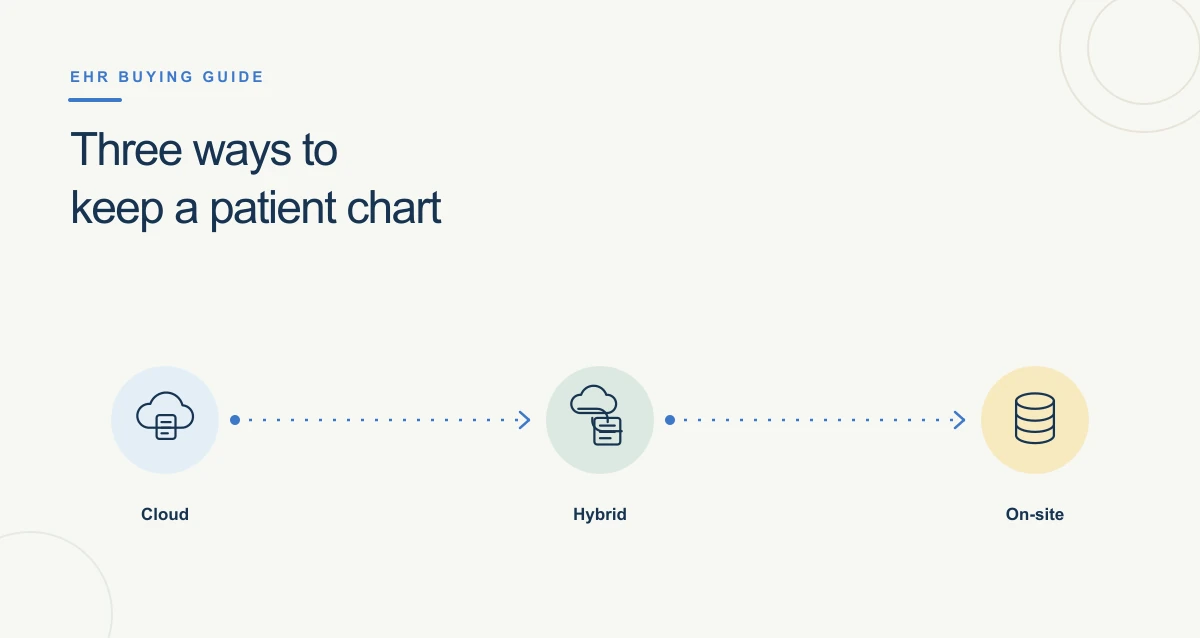
1. By hosting and deployment model
- Vendor-hosted or cloud-hosted: the vendor or hosting provider operates the infrastructure, and users access the service over a network. Confirm responsibilities for availability, backups, security controls, data export, downtime, and contract exit.
- Locally hosted or on-premises: the organization runs some or all infrastructure in its own environment or through a contracted local hosting arrangement. The organization still needs clear responsibility for updates, resilience, security, staffing, and recovery.
- Hybrid: components or data may be split across local and hosted environments. Ask how interfaces, support, upgrades, and outages are handled across the architecture.
These categories describe where components run—not the quality, security, speed, or reliability of a product. Those depend on implementation, configuration, the vendor agreement, and the organization’s operating controls.
2. By care setting
Some systems are designed primarily for ambulatory clinics, while others support hospitals or particular facility workflows. A multi-setting health system may use one enterprise platform with different configurations or connect several products. Compare the workflows that matter in your setting: scheduling and rooming in a clinic, or inpatient orders, medication administration, and transitions in a hospital.
3. By specialty or practice workflow
Some products are marketed for a particular specialty, while general-purpose EHRs may be configured with templates and modules. “Specialty-specific” is not a guarantee of fit. Test the documentation, terminology, forms, equipment interfaces, reporting, and patient communication your practice actually uses.
4. By product architecture
- Integrated suite: clinical and administrative functions are designed to work within a broader platform.
- Modular system: an organization selects or connects distinct modules, potentially from different developers.
- Connected ecosystem: the EHR works with external tools through interfaces, APIs, or other exchange methods.
These approaches involve trade-offs. A suite can reduce the number of separate vendors but may not cover every workflow equally well. Modules can offer choice but increase the need to validate interfaces, support boundaries, and data consistency. Neither approach is automatically better.
Why there is no dependable “how many” answer
The market includes changing vendor products and versions, and a single platform may have distinct editions or modules. In the United States, the Certified Health IT Product List (CHPL) is an authoritative list of health IT that has been tested and certified under the ONC Health IT Certification Program; it is not a universal count of every EHR product worldwide or every product used by every practice. Certification also applies to defined capabilities and criteria, not a blanket endorsement that a product is best for a particular organization.