"What type of EMR do we need?" sounds like one question, but it is really three. Where is care delivered? Who runs the servers? How closely does the software fit your specialty? Each answer narrows the field, and the right system is the one that fits all three.
This guide is for owners and administrators of specialty practices, including practices that treat personal injury patients, who are choosing or replacing an electronic medical record (EMR). It turns the common EMR categories into a decision path. For a broader overview of each category, see our guide to types of EMR systems by care setting, specialty and hosting.
What are the main types of EMR systems?
EMR systems are usually grouped three ways: by care setting (office, surgery center, hospital, long-term care), by hosting model (cloud-based, locally hosted or hybrid), and by specialty fit (general-purpose or built for a specialty). These are separate choices, so one product can be a cloud-based, office-focused, specialty system all at once.
The terms EMR and electronic health record (EHR) are often used interchangeably. HealthIT.gov notes that EMRs are usually limited to a single provider or practice, while EHRs cover a patient's records across care settings and providers. In vendor marketing the line is blurry, so judge a system by what it does rather than its label.
| Question | Common types | What the answer decides |
|---|---|---|
| Where is care delivered? | Physician office, ambulatory surgery center (ASC), hospital, long-term care | The workflows the system has to support, from visit notes to anesthesia and recovery records |
| Who runs the infrastructure? | Cloud-based, locally hosted (on-premise), hybrid | Who handles servers, updates, backups and remote access |
| How specialized is it? | General-purpose, specialty-focused, configurable | How much template building and workaround your team will do |
Which care setting does your practice need the EMR to cover?
Start with every place your providers deliver care. A practice that sees patients in the office and also performs procedures in a surgery center needs a system that handles both, or two systems that share records well. Office and surgery center workflows differ, so check each one separately.
Office documentation centers on visits over time: history, exam, assessment, plan and follow-up. An ASC adds pre-operative assessment, the procedure and anesthesia record, recovery and discharge. The Centers for Medicare & Medicaid Services (CMS) conditions for coverage for ASCs include requirements for keeping medical records, among other health and safety standards. Our comparison of an ASC EMR and an office EMR covers the differences in more detail.
Should the EMR be cloud-based or locally hosted?
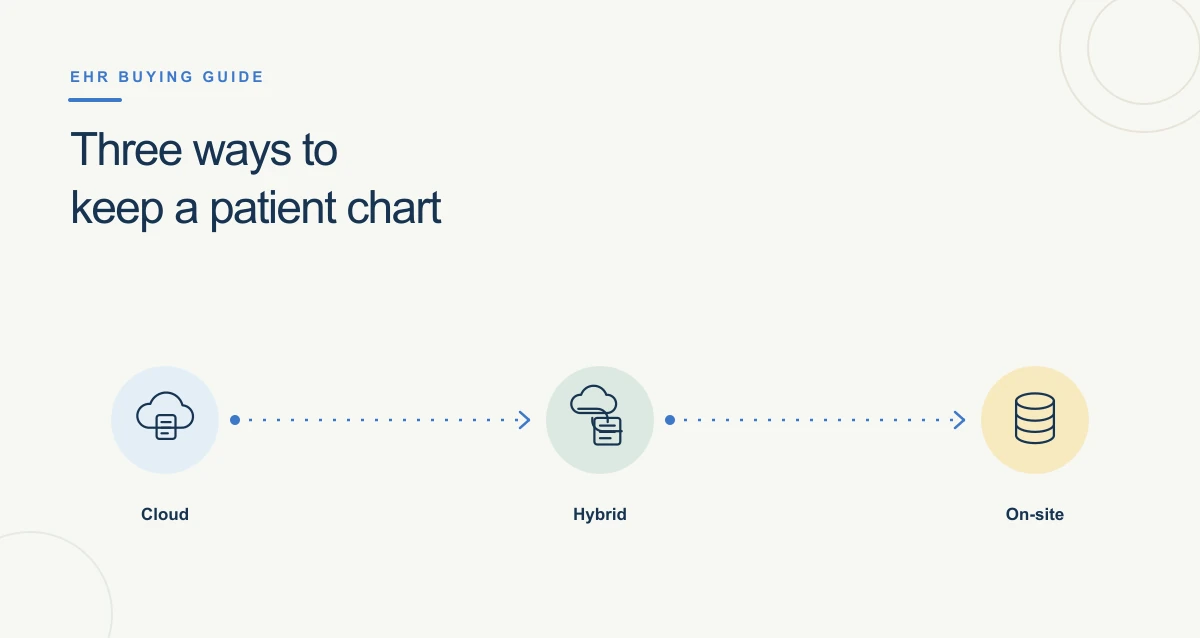
HealthIT.gov's Health IT Playbook explains that EHRs are hosted either locally, in the practice's office, or remotely, which is usually called cloud-based. With a cloud-based system the vendor runs the infrastructure and staff sign in over the internet. With a locally hosted system the practice owns the servers and the work of maintaining them.
For a practice without an IT department, the main questions are practical. Who applies updates and security patches? Who backs up the data and tests that it can be restored? Can providers chart from a second office or a surgery center? What happens when the internet goes down? Our guide to cloud-based and locally hosted EHRs lists the questions to ask a vendor about each model.
Is a specialty EMR better than a general-purpose one?
A specialty EMR is usually a better fit when your documentation depends on specialty-specific exams, procedures and outcome measures. A general-purpose system can work if it is configurable enough that your team can build those templates without a long project. Test it with your own cases before deciding.
- Pain management: injection and procedure templates, pain scales and controlled substance prescribing.
- Orthopedics: range of motion and strength by joint, imaging review, surgical and conservative care plans.
- Neurology: neurological exams, nerve testing and brain injury evaluations.
- Chiropractic: visit-by-visit progress and recovery goals.
A specialty label alone does not prove fit. Ask the vendor to chart a real visit from your practice, start to finish, during the demo. For orthopedic practices, our guide on how to choose an orthopedic EMR goes further.